How to Estimate Body Fat Percentage From Photos (And How Far Off You Probably Are)
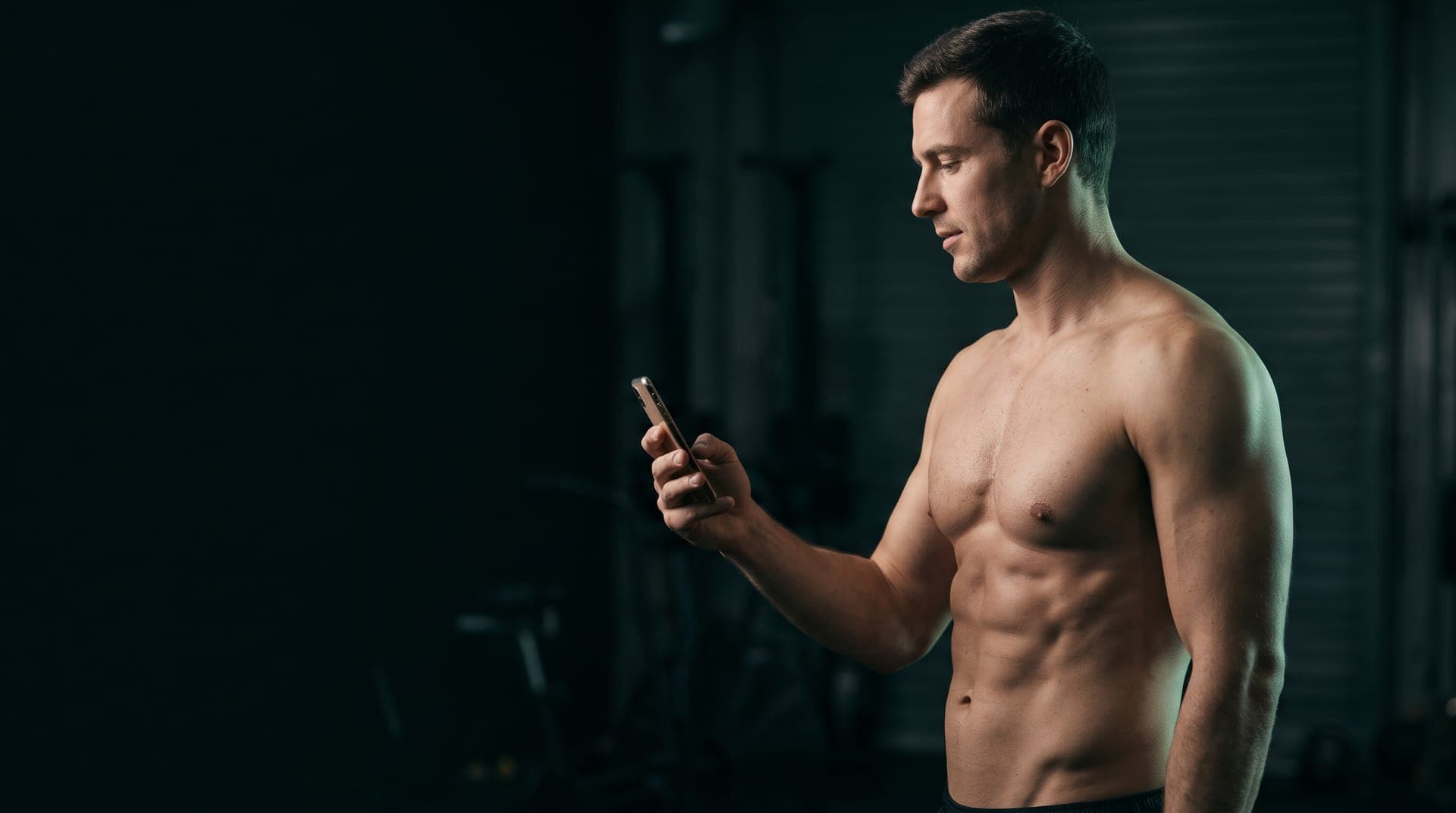
TL;DR: Matching your mirror selfie to a body fat chart is a rough guess, and it's often off by 3 to 6 percentage points. Muscle size, lighting, a pump, and your personal fat distribution all fool the eye. Computer-vision photo tools are better, landing within about 2 to 3 points of a DXA scan in published validation work. But the smartest use of photos isn't chasing one exact number. It's taking consistent photos every few weeks and reading the direction, alongside your waist and scale trend.
Everyone has done it. You take your shirt off, snap a photo, then scroll through a grid of torsos labeled 10%, 15%, 20%, and 25% until one looks close enough.
It feels scientific. It isn't. That chart is a set of photos of other people, under other lights, with other frames, and your brain is doing the matching. Here's how to get a better estimate out of a photo, and why you shouldn't lean on any single one.
How Accurate Is a Photo Estimate?
It depends heavily on who, or what, is doing the estimating.
Your own eye against a chart is the weakest version. There's no good study that blesses it, and anyone who's had a DXA scan after "eyeballing 12%" knows the feeling. The usual error runs in one direction: lifters tend to underestimate their body fat, because visible muscle reads as leanness. Being off by 3 to 6 points is common, and that's the whole gap between "starting a cut" and "nearly done with one."
Algorithm-based photo analysis is a different story. In a validation study of 134 adults, a smartphone method that ran a neural network on standard 2D photos landed within an average of about 2.2 percentage points of DXA, with no meaningful bias and tighter agreement than the consumer bioimpedance scales and even the air-displacement device it was compared against (Majmudar et al., 2022). That study was industry funded, so treat it as promising rather than final. An earlier approach using a single side-view smartphone photo also tracked DXA fat mass closely in both men and women (Farina et al., 2016).
So photos can work. Your eye and a chart grid just aren't the instrument that makes them work. For context on where other methods land, see our breakdown of body fat percentage methods and how accurate a DXA scan really is.
Why Your Eye Gets It Wrong
Four things distort a visual estimate more than anything else.
Muscle mass. Two people at 15% body fat look nothing alike if one carries 20 more pounds of muscle. Bigger muscle stretches the skin over it and shows more separation, so a well-trained lifter at 16% can look like a beginner at 12%. Most body fat charts don't tell you how muscular their models are.
Lighting. Overhead light carves shadows into every ridge of the abs and makes you look several points leaner. Flat, front-facing light erases them. The same body can look like two different body fat categories under two different bulbs, which is exactly why gym-mirror photos flatter everyone.
Fat distribution. Some people store fat low on the belly and lower back, others on the hips and thighs, others fairly evenly. Someone with lean-looking abs and fuller legs can sit higher overall than they look from the front. Your waist is the most reliable visual tell for most men; for many women, the hips and thighs carry more of the story.
Timing. A post-workout pump, a big salty dinner, a low-carb day, or a glycogen-depleted morning can each shift how lean you look by a meaningful margin, with zero change in actual fat. If you're curious why, why the scale lies covers the water and glycogen side.
How to Get a Better Estimate From a Photo
If you're going to eyeball it anyway, reduce the noise.
- Use front, side, and back views. A single front shot hides the lower back and the profile of your belly, which is where a lot of fat sits.
- Stand relaxed. No flexing, no sucking in. Charts built from relaxed poses don't match flexed photos.
- Use flat, even light. Face a window or a soft light, not a bulb directly overhead.
- Compare to a range, not a number. Pick the two chart photos you sit between and call it a 4-point range. That's honest.
- Pressure-test it with a tape. Plug your waist and neck (plus hips for women) into our body fat calculator. If your eyeball and the tape disagree by more than 4 points, trust the tape and lower your confidence in the photo.
Done this way, a photo gives you a sensible ballpark. It still won't tell you the difference between 14% and 16%, and nothing at home reliably will.
The Real Job of Progress Photos
Here's the part most people skip. The single-photo estimate is the least useful thing a camera can do for you.
Where photos shine is change over time. If you take them with the same light, distance, pose, and time of day every two to four weeks, you remove most of the distortions above, because they stay constant. Then what moves in the series is you. You'll see your waist narrow, your shoulders fill out, or your lower back tighten long before a 1-point body fat change shows up on any device. Our guide to taking progress photos walks through the setup.
This matters most during a recomp, when the scale barely moves. A flat scale with a visibly tighter midsection is the signature of losing fat while adding muscle. Photos catch that; your weigh-ins can't.
Stack three signals and you've got something better than any one-off estimate:
- A weekly waist measurement, taken at the navel in the morning.
- A scale trend, using a weekly average rather than daily readings.
- A photo series every two to four weeks under identical conditions.
When all three point the same way, you know what's happening. When they disagree, you've learned something too.
Do You Even Need an Exact Number?
Mostly, no. The number matters for two decisions: setting a sensible cut or bulk target, and estimating your lean mass to set protein. For both, a 4-point range is plenty. If you want the visual benchmarks, what body fat percentage you need to see abs gives realistic ranges by sex, and our pillar on lean body mass shows how to turn a body fat estimate into something you can actually program around.
Chasing precision with a phone and a chart just swaps one source of error for another. Chasing consistency is what pays off.
The Bottom Line
A mirror selfie compared against a body fat chart is a guess with a wide error bar, usually leaning optimistic if you lift. Algorithmic photo tools close that gap to roughly 2 to 3 points, which is about as good as most home methods get. But photos earn their keep as a standardized series, read alongside your waist and weight trend, not as a one-time verdict.
That's the workflow Protokl is built around. It keeps your progress photos, measurements, and weight trend side by side, so you can see which direction your body composition is actually moving instead of squinting at a chart and hoping. When you're ready to plan the next phase, it forecasts where a cut or lean bulk will take you from where you really are.
Post to Instagram / TikTok
Tap Share, choose Instagram or TikTok, and this 1080×1080 card loads straight into the post composer — ready to publish. Add your caption and point your bio link back here, since links aren’t tappable inside IG/TikTok posts.
Related reading
- How to Take Progress Photos That Actually Show ChangeMost progress photos are useless because the lighting, pose, and time of day change more than the body does. Here is the protocol that makes the comparison honest.
- How to Lose Visceral Fat (And How to Know If You Even Have It)Visceral fat is the fat you cannot pinch, and it responds differently to training than the fat you can. Here is how to estimate yours without a scan, and what the trials say actually shifts it.
- What Is Lean Body Mass? (And How to Calculate It Correctly)Lean body mass is the body-composition number that actually predicts training outcomes. Here is what it is, how to estimate it, and how to use it to set protein and calories.
Want this as a daily protocol?
Protokl builds personalized workout and nutrition plans around your body composition, goals, and experience level. Science-backed. AI-powered. Syncs with Apple Health.
Get Protokl →